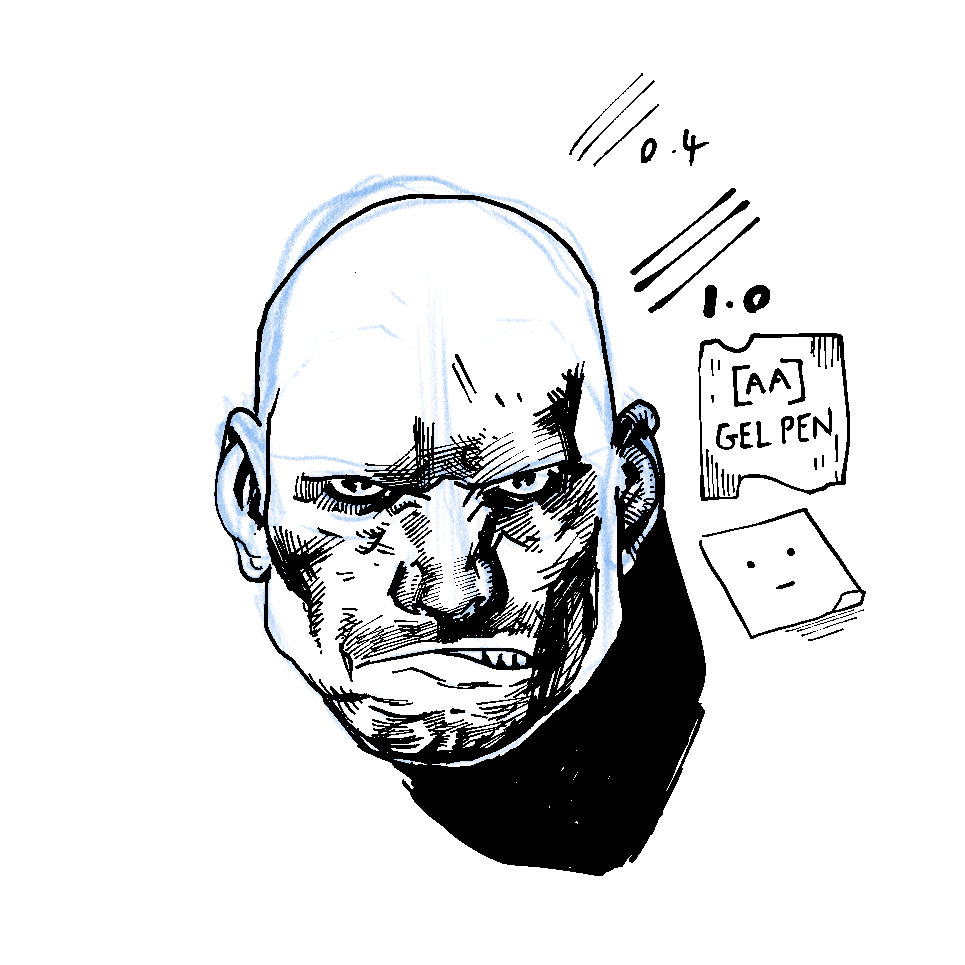
Inspired by Russell Mark Olson’s Patreon I’ve been wanting to get back to drawing with ink again, specifically inking traditionally over blue line or non-photo blue on bristol board.
Alongside other work, Russell produces a page each week for Gateway City starting with pencil layouts before progressing to digital pencils that he prints as non-photo blue for inking.
Despite owning a large A3 printer I’ve never tried printing blue line comic pages. I’ve inked over non-photo blue pencil in the past but I haven’t looked seriously at a specific workflow for removing blue lines digitally from traditional inks.
I’m pretty sure Russell uses Photoshop to remove the blue line in his pages prior to colouring and I figured I’d be able to do something similar in Affinity Photo. There’s probably a macro or an obvious technique but I immediately hit a wall trying to achieve this.
I mostly use Clip Studio Paint these days and looked at it instead. Similarly, it’s not obvious how to remove blue line in CSP but I did find some basic tutorials on Pinterest/tumblr and also this helpful quick tips video from Celsys and Scott Drummond.
It’s prob not as efficient as the workflow in Photoshop but once I record it as an auto action I should hopefully save time on future pages.
I’ve been studying a page from Jeremiah by Hermann and thought it’d be useful to try the scanning prep quick tip on it and outline the steps here on the blog.

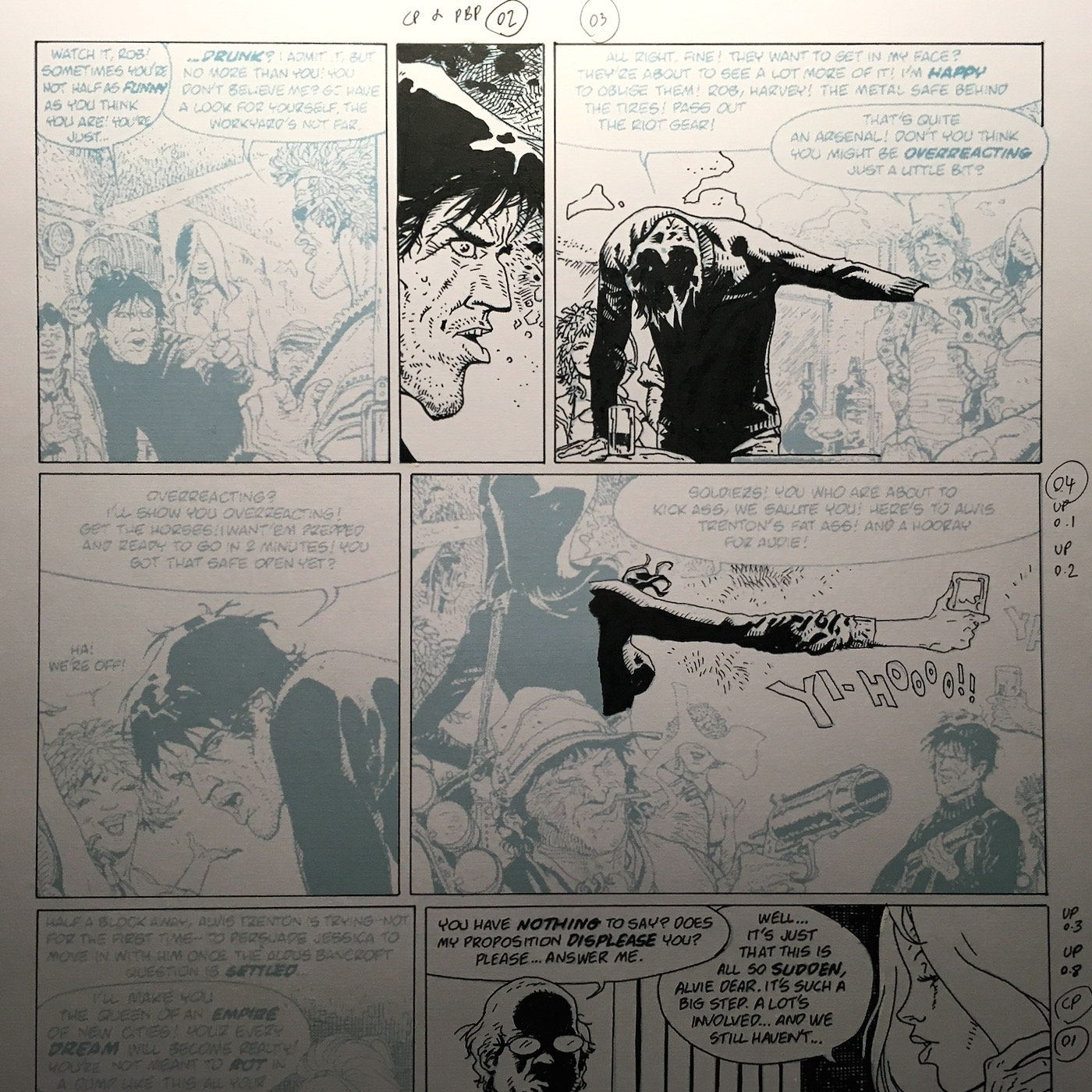
Remove blue line from comic pages using Clip Studio Paint

1. Import scan/image to CSP

- File>Open
- Layer>Duplicate Layer
2. Tone Curve
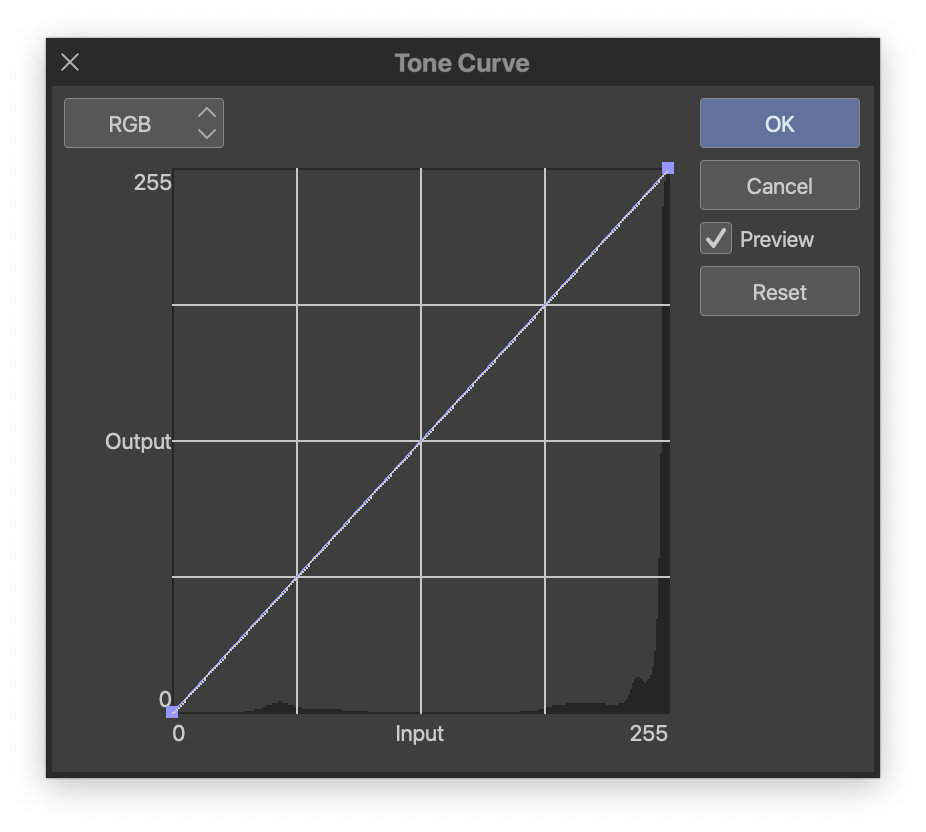
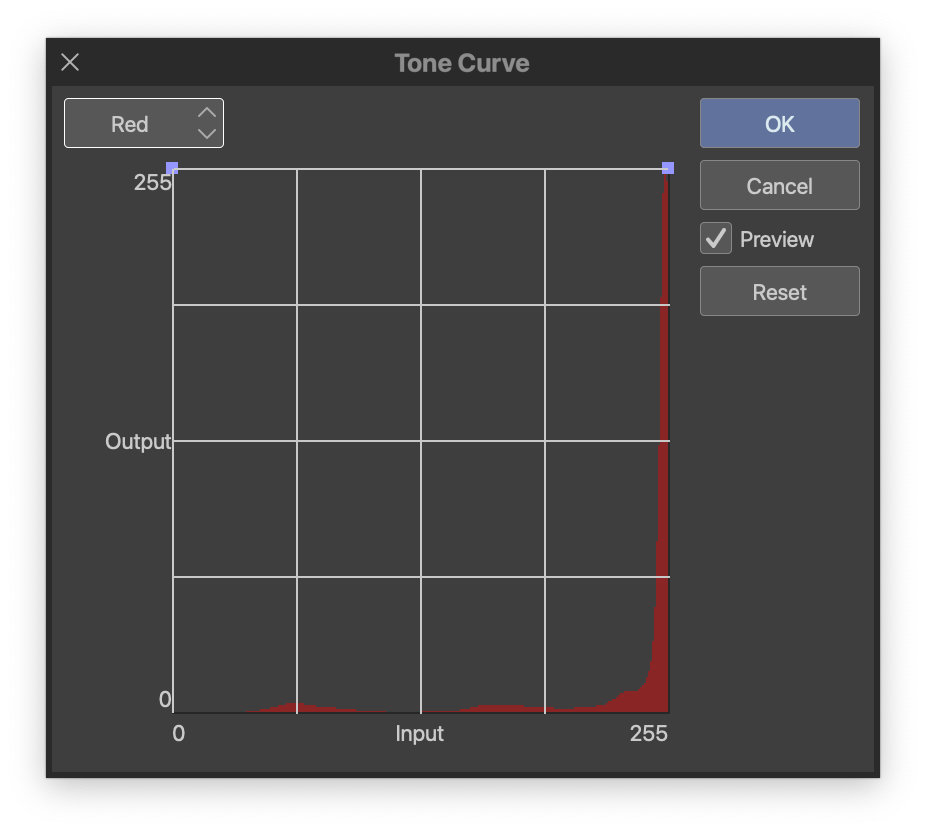

- Edit>Tonal Correction>Tone Curve
- Change RGB to Red
- Adjust the left handle to 255
- Click OK
- Edit>Tonal Correction>Tone Curve
- Change RGB to Green
- Adjust the left handle to 255
- Click OK
3. Hue/Saturation/Luminosity

- Edit>Tonal Correction>Hue/Saturation/Luminosity
- Adjust Saturation to -100% (the black looks extremely faded at this stage)
4. Level Correction

- Edit>Tonal Correction>Level Correction
- Adjust the sliders
5. Remove Dust
Although it’s not mentioned in the video, another great feature in Clip Studio Paint is the remove dust filter. There were a few small artifacts left over from the non photo blue and this removed them outright. Just adjust the dust size to eliminate any dirt, pencils, etc.

- Edit>Convert brightness to opacity
- Filter>Correction>Remove dust


Pretty happy with the final result on this but it’ll be interesting to see how these steps affect dry brush, ink washes, etc.
If you’ve any other suggestions for removing blue line or some CSP tips I’d love to hear ’em.